Upcoming Workshops
Join our community of makers. Learn new skills, meet like-minded people, and build something amazing.
Don't miss a workshop!
Be the first to know when we add new classes. Join our mailing list.
CNC 101 - Intro to CNC Woodworking
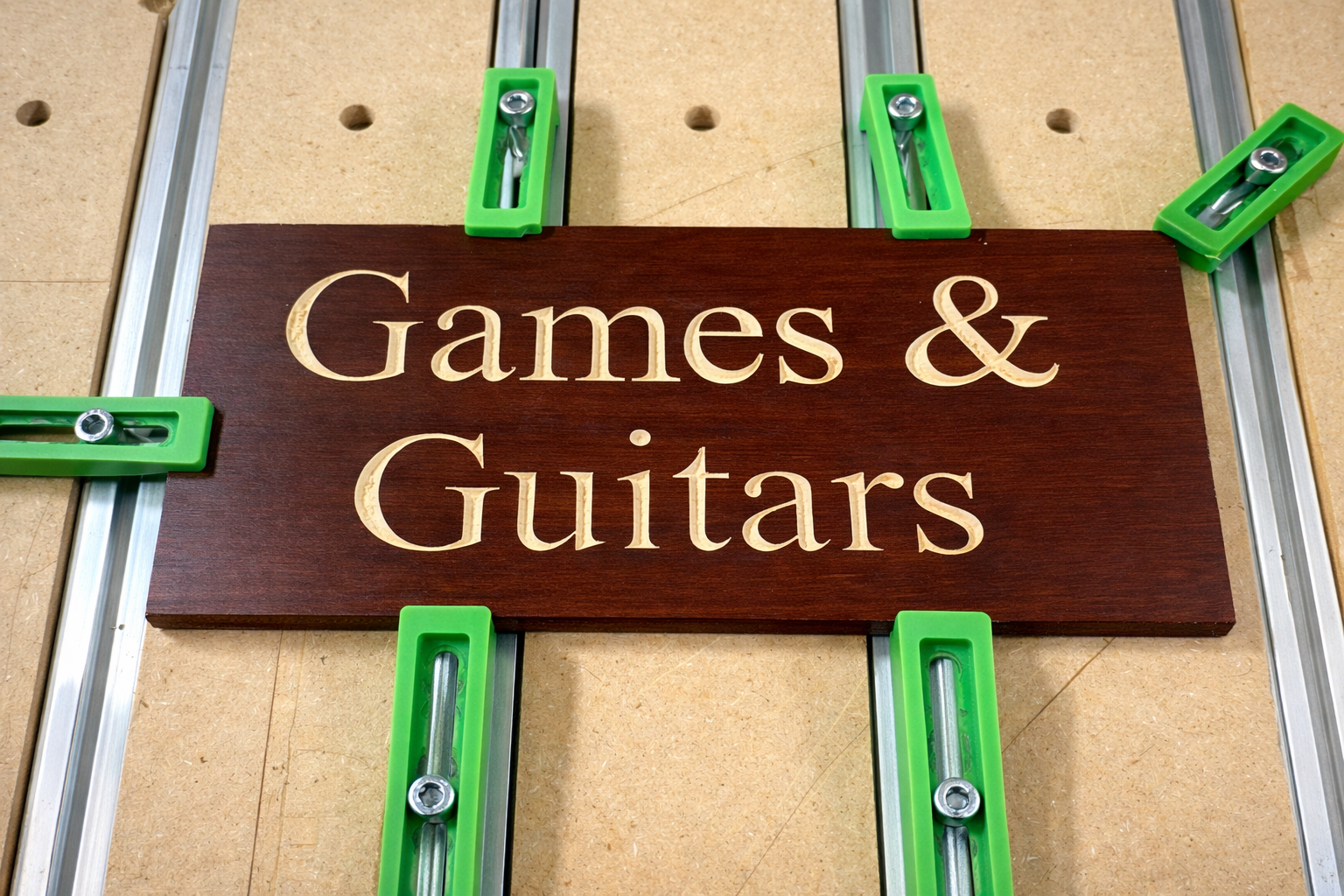
This CNC 101 workshop is a beginner-friendly, hands-on introduction to computer-controlled machining using the Shapeoko 5 Pro CNC Router. Designed for makers with little to no CNC experience, this class will walk you through the complete workflow from digital design to a finished part while emphasizing safe and proper use of the machine. Participants will learn how CNC routers work, what materials can be used, and how to prepare and run jobs on the Shapeoko Pro. By the end of the workshop, you’ll understand how to securely set up material, load tools, and confidently run a basic CNC program. What You’ll Learn What CNC milling is and how it differs from 3D printing and laser cutting Overview of the Shapeoko Pro and its capabilities Safety procedures and best practices Basic tooling and materials (wood, plastics, aluminum) How to prepare a simple design for CNC machining Workholding, zeroing, and running a job on the Shapeoko Pro What’s Included Live demonstration of the Shapeoko Pro CNC Guided walkthrough of a sample project Creation of your own V-carve sign Who This Workshop Is For Beginners with no prior CNC experience Makers interested in precision parts, woodworking, artistic projects Members looking to earn CNC access at the makerspace After the Workshop Participants who successfully complete CNC 101 will be eligible to enroll in the CNC 102 workshop. After completing both 101 and 102 workshop, participants will be certified to use the Shapeoko Pro 4' x 4' cnc router. Requirements Bring a laptop with Carbide Create installed. Download it for free here. Available for both Mac and Windows. Participants must be over the age of 14 to attend and over 18 to obtain makerspace membership
CNC 102 - Intermediate CNC Woodworking
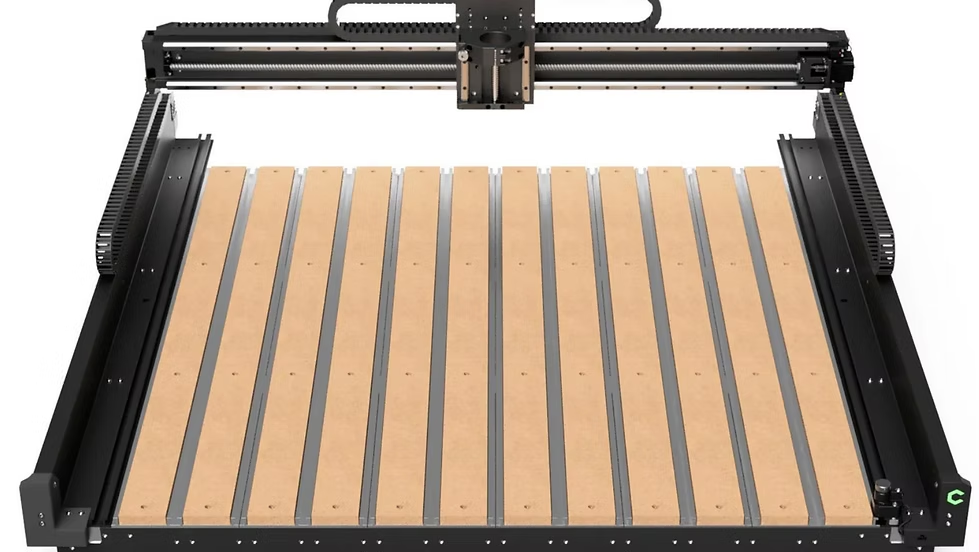
Ready to take the next step with CNC woodworking? CNC 102 builds on the skills learned in CNC 101 and introduces participants to more advanced CNC machining techniques using the Shapeoko 5 Pro CNC Router. In this hands-on workshop, participants will create a custom wooden phone stand while learning how to machine a multi-operation project from start to finish. You'll gain experience selecting cutting tools, creating toolpaths, and understanding how different machining strategies affect the final result. By the end of the workshop, you'll have a finished project to take home and a deeper understanding of the CNC workflow needed to confidently tackle your own woodworking projects. What You'll Learn Review of Shapeoko 5 Pro setup and operation Tool selection and cutting strategies Creating multiple toolpaths for a single project Pocketing, profiling, and contour operations Material selection and machining considerations Techniques for improving cut quality and reducing machining time Best practices for project setup and production workflow What's Included Guided instruction using the Shapeoko 5 Pro CNC Router Creation of a custom wooden phone stand Hands-on experience with CNC project setup and machining All project materials provided Who This Workshop Is For Participants who have completed CNC 101 Makers interested in expanding their CNC woodworking skills Members seeking certification on the Shapeoko 5 Pro CNC Router Anyone interested in creating furniture, signs, jigs, fixtures, and custom woodworking projects After the Workshop Participants who successfully complete CNC 102 will be certified to independently use the Shapeoko 5 Pro 4' × 4' CNC Router at the makerspace. Requirements Completion of CNC 101 - Intro to CNC Woodworking Bring a laptop with Carbide Create installed. Download it for free for Mac or Windows. Participants must be over the age of 14 to attend and over 18 to obtain makerspace membership.
Recent Workshops
Intro to 3D Design with Autodesk Fusion
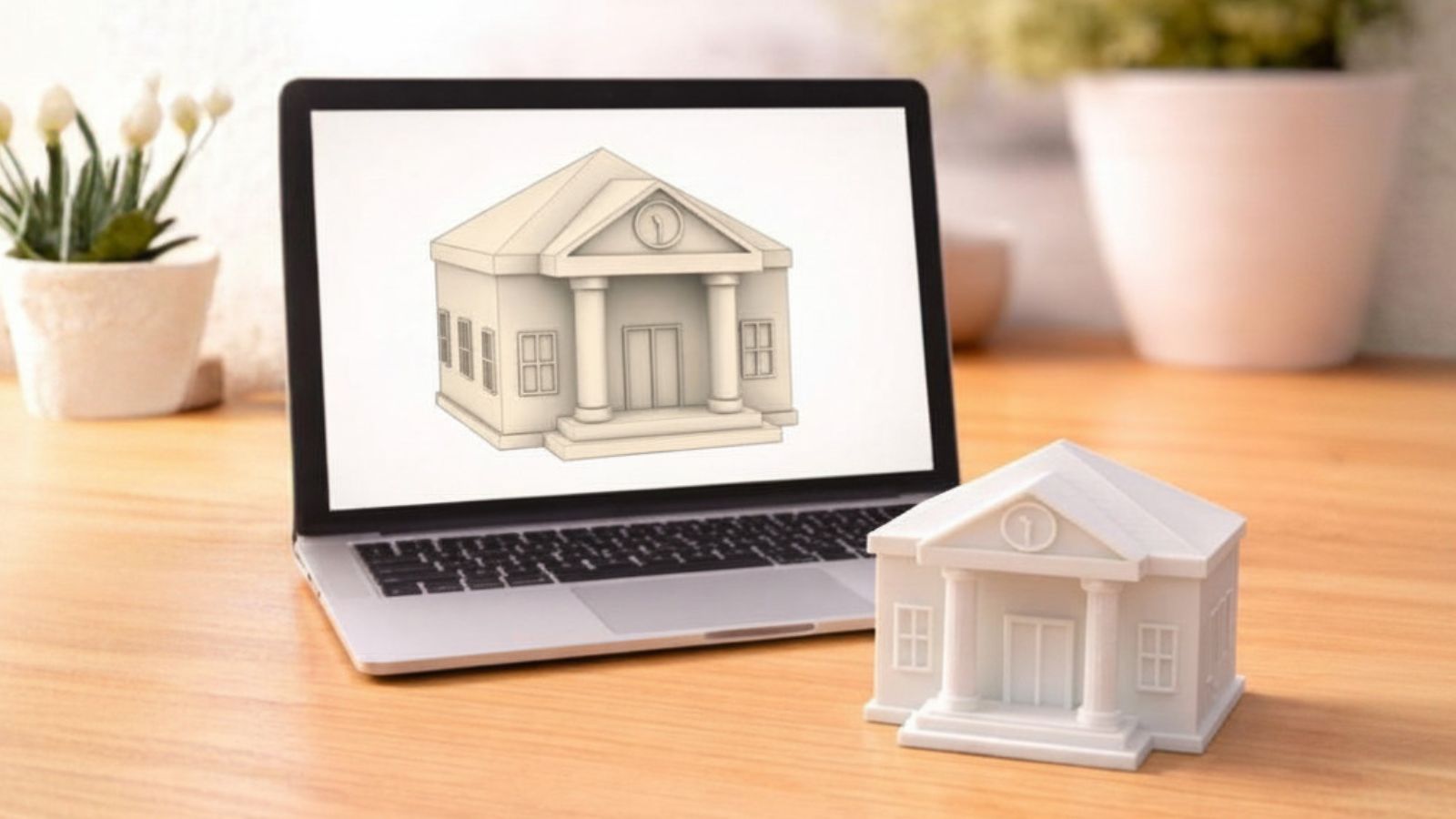
Want to turn your ideas into real, buildable designs? This hands-on Autodesk Fusion Workshop introduces you to modern 3D design using one of the most powerful tools available to makers today. In this workshop, you’ll learn the fundamentals of parametric 3D modeling and how to create clean, editable designs that are ready for fabrication. We’ll cover the core tools and workflows used to design a part that is optimised for 3D printing. Participants will follow along as we build a project step-by-step, learning how sketches drive solid geometry, how design intent works, and how to modify designs efficiently. By the end of the session, you’ll have a strong foundation in Fusion and the confidence to continue designing on your own along with a roadmap to continue your design journey. This workshop is ideal for beginners and makers who are new to the world of 3D design. No prior CAD experience is required. What You’ll Learn Overview of Autodesk Fusion and parametric design Sketching fundamentals and constraints Creating and modifying 3D features Design best practices for fabrication Preparing designs for 3D printing Tips for clean, editable, and future-proof models Who Should Attend Makers new to 3D design or CAD 3D printing, laser, or CNC users looking to improve design skills Hobbyists, tinkerers, and project builders Outcome After completing this workshop, participants will have the foundational skills needed to begin designing their own parts in Autodesk Fusion. Requirments Participants will need to bring a laptop with Autodesk Fusion Installed Autodesk provides a free hobby version of Fusion that can be downloaded here. Ages 12 and up to participate. Over 18 to join the makerspace as a member.

Build and Solder Your Own Sound-Activated Pumpkin: A Beginner Circuit Board Workshop
Ever wondered how the electronics inside your gadgets are actually made and wanted to build one yourself? In this hands-on workshop you'll follow a circuit from idea to finished product and walk away with a working sound-activated Halloween pumpkin whose LED eyes flash when you talk, clap, or shout near it. We'll start with the basics: what a printed circuit board (PCB) actually is, how to read the copper traces, pads, and artwork on a real board, and how a digital design becomes a physical product. You'll also learn how to order your own bare PCB online through PCBWay (which files you need, what settings to choose, and how to preview your board before you buy) so you can make your own designs after the workshop. Then comes the fun part: soldering. No experience needed. We'll cover tool safety and technique, and then you'll hand-solder the components onto a custom pumpkin-shaped board, test your creation live, troubleshoot anything that misbehaves, and take your glowing pumpkin home. No prior electronics or soldering experience is required. All materials will be provided and beginners are welcome. Participants must be 18 or older. Limit of 4 participants in this workshop.